

Kasa Smart Plug HS103P4 Review: Smart Home Control Without the Hub
Smart home technology has come a long way, but not everyone wants to invest in expensive hubs or complicated setups just to turn their lights on and off remotely. Sometimes, you just want something simple that works right out of the box. That’s exactly where Kasa Smart Plug comes into play, offering an affordable entry point into home automation without requiring you to overhaul your entire electrical system or purchase additional equipment.
If you’ve been curious about making your home smarter without breaking the bank or dealing with compatibility headaches, the Kasa Smart Plug HS103P4 might be exactly what you’re looking for. This four-pack of compact smart plugs connects directly to your Wi-Fi network, eliminating the need for a central hub while giving you voice control, scheduling capabilities, and remote access to any device you plug into it.
What Makes Hub-Free Smart Plugs Different
The Direct Connection Advantage
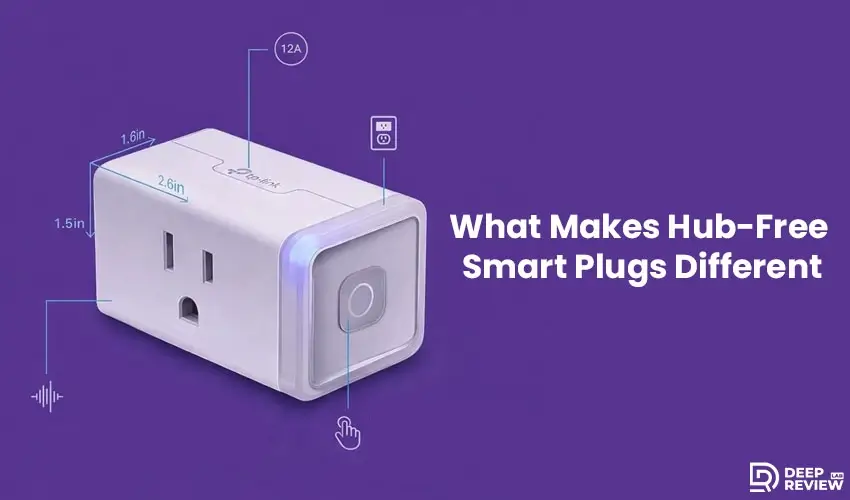
Traditional smart home devices often require a central hub that acts as a translator between your various gadgets and your home network. These hubs can cost anywhere from fifty to several hundred dollars, and they add another layer of complexity to your setup. Hub-free devices, like the kasa smart plug, communicate directly with your Wi-Fi router, making installation as simple as plugging them in and connecting them through an app.
This direct connection approach has several advantages. First, it reduces the overall cost since you’re not investing in additional hardware. Second, it simplifies troubleshooting because there are fewer points of failure in your network. Third, it makes expanding your smart home much easier since each device operates independently. If one plug stops working, the others continue functioning normally.
Understanding the Limitations
However, hub-free systems like the Kasa Smart Plug do have some trade-offs. They rely entirely on your Wi-Fi network, which means a strong and stable connection is essential. If your router is on the opposite end of your house from where you want to place a smart plug, you might experience connectivity issues. Additionally, each device connects separately to your network, which can become unwieldy if you’re planning to add dozens of smart devices throughout your home.
Initial Setup and Installation Experience
Getting Started with the App
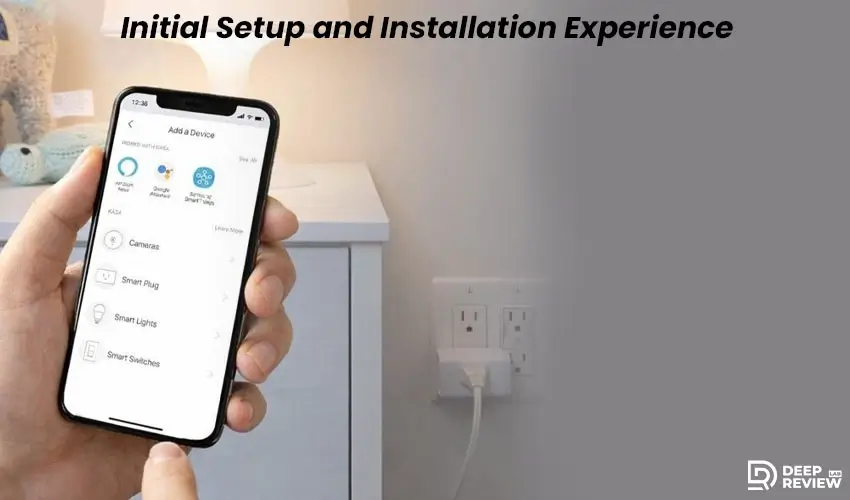
Getting started with smart plugs should be straightforward, and that’s one area where hub-free options really shine. The setup process typically involves downloading the manufacturer’s app, creating an account, and following the guided instructions to connect each plug to your Wi-Fi network. If you need additional help, the kasa smart plug hs103p4 manual provides detailed step-by-step instructions that cover everything from initial setup to troubleshooting common issues. Most people can complete this process in just a few minutes per plug.
Physical Installation Considerations
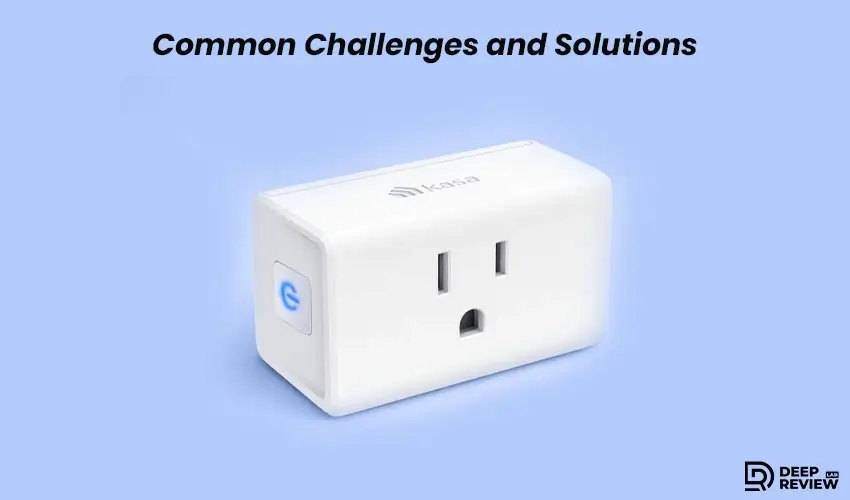
The physical installation is even simpler. You plug the Kasa Smart Plug into any standard outlet, wait for an indicator light to signal it’s ready, and then use your smartphone to complete the connection. There’s no wiring involved, no special tools needed, and no risk of electrical work gone wrong. This makes smart plugs perfect for renters or anyone who wants smart home features without making permanent modifications to their living space.
One thing to consider during setup is outlet accessibility. These plugs are designed to be compact, but they still take up space. Depending on your outlet configuration, you might find that plugging one in blocks the second outlet. This is where the compact design really matters, and it’s worth measuring your outlets before purchasing to ensure you’ll have the flexibility you need.
Voice Control and Smart Assistant Integration
Setting Up Voice Commands
One of the most satisfying aspects of smart home technology is the ability to control devices with your voice. There’s something genuinely convenient about being able to turn off the living room lamp while you’re already in bed, or switching on the coffee maker while you’re still getting dressed in the morning, all without touching a single button.
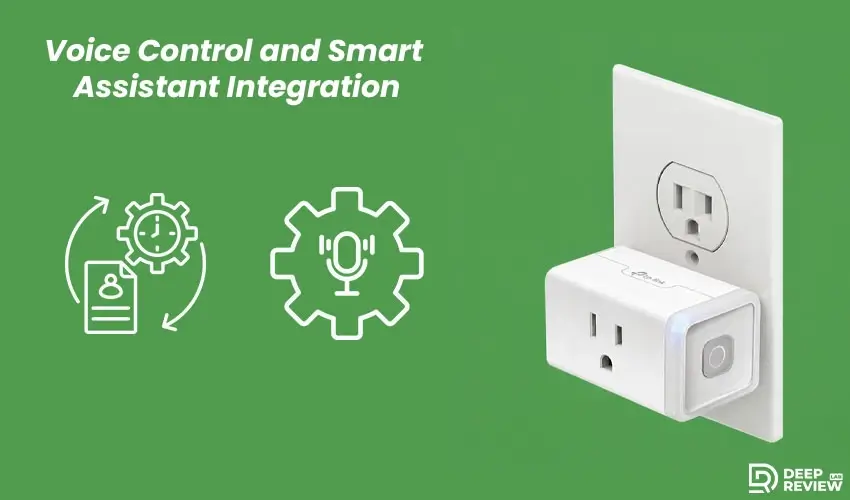
Most modern smart plugs integrate seamlessly with popular voice assistants like Amazon Alexa and Google Assistant. This integration happens through the manufacturer’s app, which links your account to your chosen voice assistant. Once connected, you can create custom voice commands that make sense for how you actually use the devices. Instead of saying something clunky like “turn on the smart plug in the bedroom,” you can rename it to “bedroom lamp” and simply say “turn on the bedroom lamp.”
Creating Automated Routines
The voice control feature becomes even more powerful when combined with routines or scenes. You can create a “good morning” routine that automatically turns on your coffee maker, starts the bathroom heater, and adjusts your living room lights, all with a single voice command. These automations transform individual smart plugs into a coordinated system that responds to your daily patterns.
Scheduling and Automation Capabilities
Time-Based Scheduling
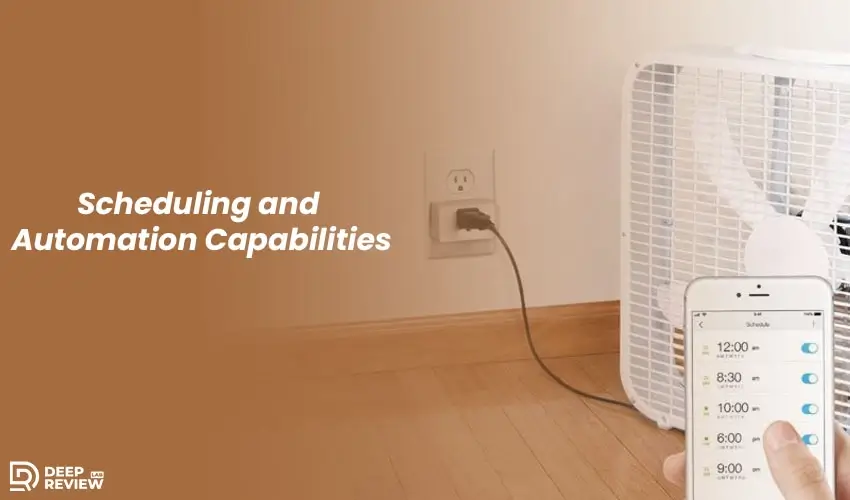
Beyond voice control, scheduling is where the Kasa Smart Plug proves its worth in everyday life. The ability to program devices to turn on and off at specific times creates the illusion of presence when you’re away, helps manage energy consumption, and simply makes life more convenient.
Think about seasonal decorations, for example. Holiday lights can automatically turn on at sunset and switch off before bed without you needing to remember or physically access the plugs. Fans can turn on during the hottest part of the day to cool rooms before you arrive home. Space heaters can warm up your bathroom before your morning shower. These small automations add up to significant improvements in comfort and convenience.
Security and Away Mode
The scheduling features also support random timing, which is particularly useful for security purposes. When you’re traveling, you can set lamps to turn on and off at varying times rather than following a predictable pattern. This creates a more realistic appearance that someone is home, potentially deterring opportunistic intruders who watch for empty houses.
Smart Device Management
Another practical application is managing devices that you tend to forget about. Phone chargers, for instance, don’t need to draw power all night long. You can schedule them to turn off after a few hours, which is better for your device’s battery health and reduces unnecessary energy consumption. The same applies to devices like fans, humidifiers, or even that decorative fountain that you love but sometimes forget to turn off.
Energy Monitoring and Cost Savings
Tracking Power Consumption
While not all smart plugs, including the Kasa Smart Plug, feature energy monitoring, those that do provide valuable insights into your electricity usage. Being able to see exactly how much power a device consumes helps you make informed decisions about which appliances might be worth upgrading to more efficient models and which habits might be costing you more than you realize.
Energy monitoring typically shows you real-time power consumption, cumulative usage over time, and sometimes even estimated costs based on your electricity rates. This information can reveal surprising patterns. You might discover that an old refrigerator in the garage is using far more electricity than you thought, or that leaving your computer on 24/7 is adding more to your monthly bill than necessary.
Behavior Changes and Savings
The awareness that comes from monitoring alone often leads to behavior changes that reduce energy consumption. When you can see the immediate impact of turning off devices rather than leaving them in standby mode, you’re more likely to make the effort. Over time, these small changes can add up to meaningful savings on your electricity bill, helping offset the initial cost of the smart plugs themselves.
Some users find that energy monitoring helps them optimize their usage patterns. By identifying which devices consume the most power and when, you can shift usage to off-peak hours if your utility offers time-of-use rates. This level of control and awareness simply isn’t possible with traditional outlets.
App Control and Remote Access
Managing Through Your Smartphone
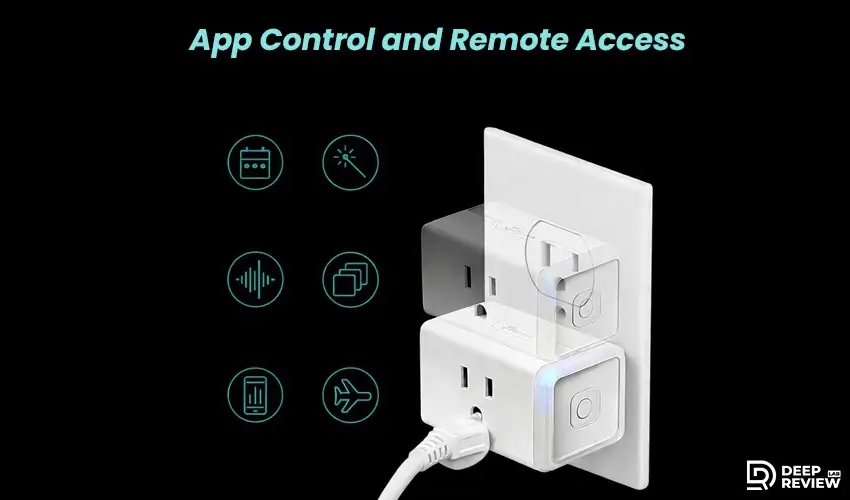
The smartphone app serves as your command center for managing smart plugs, and its design significantly impacts the user experience. A well-designed app makes it easy to quickly check the status of your devices, turn them on or off remotely, and adjust settings without frustration. When using the kasa smart plug hs103p4 plug through the mobile app, you’ll find that the interface is intuitive enough for beginners while offering advanced features for those who want more control. A poorly designed app can turn what should be a convenience into an annoyance.
Remote Control Benefits
Remote access is one of the standout features of smart plugs. Whether you’re at work and realize you left the iron on, or you’re on vacation and want to adjust your lighting schedule, being able to control your devices from anywhere with an internet connection provides invaluable peace of mind. This feature alone has prevented countless potential disasters and wasted energy.
Organizing Multiple Devices
The app lets you organize kasa smart plug devices by room or category, making it easy to manage multiple devices throughout your home. You can see which devices are on, turn off everything in a room with one tap, or monitor energy usage across all connected devices. This centralized control is especially helpful for families or roommates who might forget to switch things off. Group controls enhance convenience further, allowing you to control all living room devices at once or set up an “away mode” to manage multiple plugs while traveling. These features keep the app organized even as you add more devices.
Practical Use Cases Around the Home
Bedroom Applications
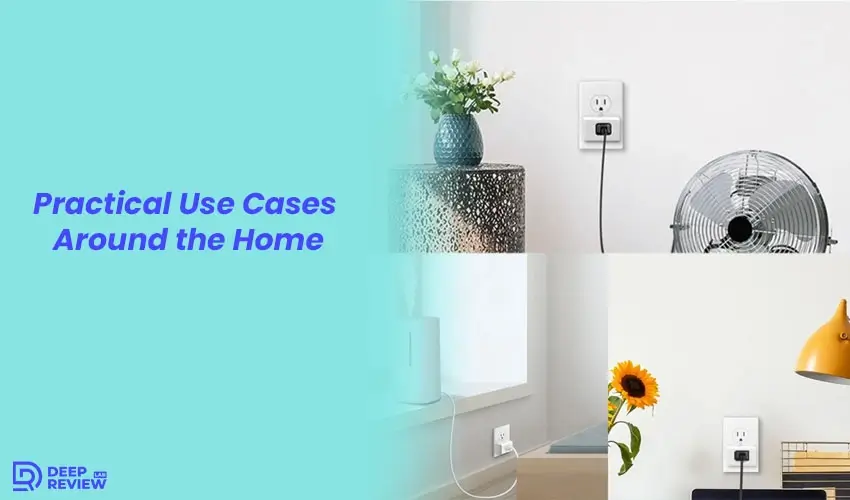
Smart plugs prove their value in countless everyday situations. In the bedroom, they can control lamps, fans, and white noise machines, creating a customized sleep environment that adjusts automatically. You can set your fan to turn off an hour after bedtime once the room has cooled down, or have your lamp gradually turn off by using a dimmer-compatible bulb and reducing brightness over time.
Living Room Convenience
The living room presents numerous opportunities for automation. Seasonal decorations, accent lighting, entertainment systems, and even air purifiers can all benefit from smart control. You might set your entertainment system to turn off automatically at midnight to prevent falling asleep with the TV on, or schedule your air purifier to run during the hours when outdoor air quality is typically worst.
Home Office Efficiency
In home offices, smart plugs help manage the collection of devices that modern work requires. Monitors, desk lamps, phone chargers, and printers can all be connected to smart plugs, allowing you to turn everything off with a single command at the end of your workday. This ensures you’re not wasting power on devices that only need to be on during business hours.
Kitchen Automation
Kitchen applications include coffee makers, toasters, slow cookers, and any other small appliance you want to control remotely. Imagine starting your coffee maker from bed so it’s ready when you get to the kitchen, or turning on a slow cooker remotely so dinner is hot when you arrive home from work. These small conveniences make daily routines smoother and more enjoyable.
Compact Design and Outlet Compatibility
Why Size Matters
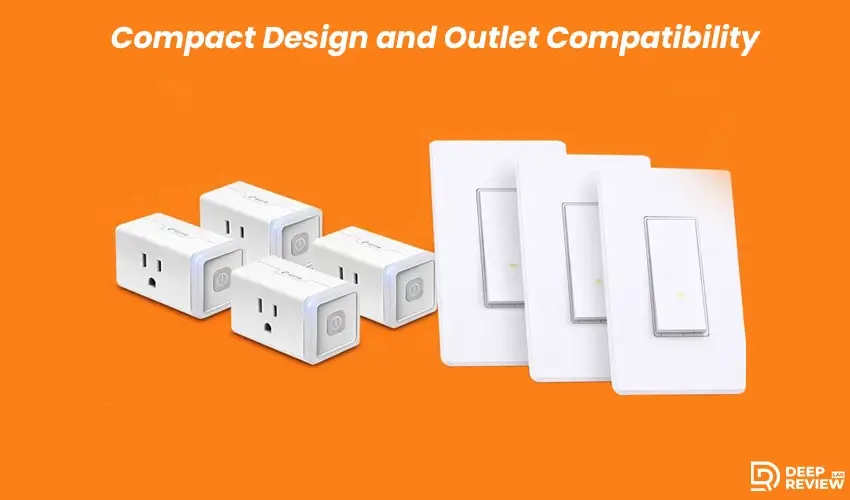
Physical size matters when it comes to smart plugs because outlet space is often limited. A bulky design can block adjacent outlets, defeating the purpose of having multiple ports available. Compact smart plugs solve this problem by keeping a low profile that allows you to use both outlets in a standard wall plate.
Power Strip Considerations
The size consideration becomes especially important when dealing with power strips or surge protectors. Traditional smart plugs might block multiple outlets on a strip due to their width, but well-designed compact models can fit side by side without interference. This makes them practical for managing multiple devices in entertainment centers or office setups where outlets are at a premium.
Build Quality Details
Weight is another factor that often gets overlooked. Some smart plugs are heavy enough that they don’t sit securely in horizontal outlets, gradually working themselves loose over time. Lighter, well-balanced designs stay firmly in place regardless of outlet orientation, ensuring consistent connectivity and safe operation.
The indicator light design also affects usability. A bright LED can be annoying in bedrooms or other spaces where you want darkness. Some manufacturers include options to disable or dim the indicator light through the app, while others don’t consider this important detail. If you’re sensitive to light while sleeping, this is worth checking before purchasing.
Compatibility and Integration Considerations
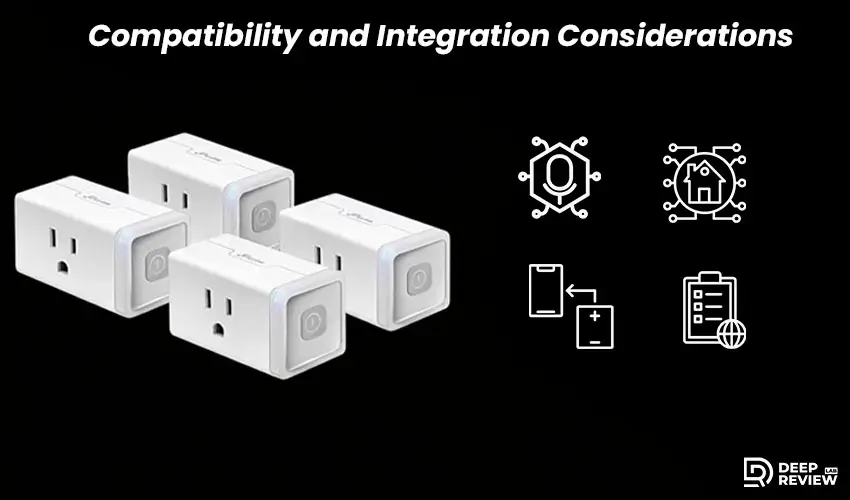
Voice Assistant Integration
Before committing to any smart home device, understanding what it works with and what it doesn’t is crucial. Smart plugs typically work with most voice assistants, but the quality of that integration can vary. Some respond quickly and reliably to voice commands, while others experience noticeable delays or occasional failures that require you to repeat yourself. Reading through a kasa smart plug hs103p4 review from actual users can give you real-world insights into how well voice commands work in different home environments and network conditions.
Smart Home Ecosystem Integration
Integration with other smart home ecosystems is another consideration. If you’re building a smart home around a specific platform, you’ll want to ensure your smart plugs can communicate with other devices in your setup. Some platforms allow for complex automations where smart plugs trigger actions on other devices, while others keep each device isolated.
Device Compatibility
The type of devices you plan to plug in matters too. Smart plugs are designed for resistive loads like lamps, fans, and small appliances. They’re not suitable for heavy-duty equipment like air conditioners, space heaters over a certain wattage, or devices with motors that draw high startup currents. Always check the maximum power rating and ensure the devices you want to control fall within safe limits.
Network Requirements
Network requirements are also worth considering. These devices work on 2.4GHz Wi-Fi networks, which is standard for most smart home devices. However, if your router is set to 5GHz only, or if you have a dual-band router that doesn’t properly broadcast both frequencies, you might encounter connection issues during setup. Having a stable Wi-Fi network with good coverage throughout your home is essential for reliable operation.
Long-Term Reliability and Performance
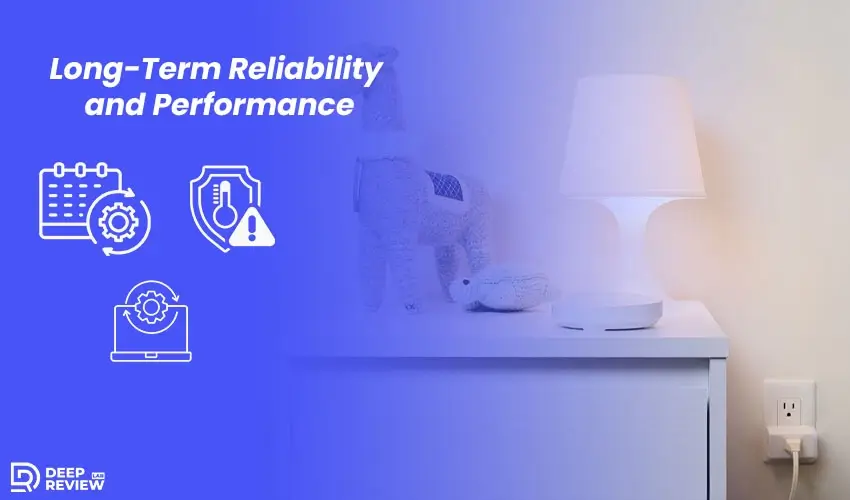
Consistent Daily Operation
Smart home devices need to work consistently over time, not just during the initial honeymoon period. Reliability means maintaining a stable connection to your Wi-Fi network, responding quickly to commands, and continuing to execute scheduled tasks without requiring frequent intervention. A smart plug that needs to be reset weekly quickly becomes more trouble than it’s worth.
Heat Management and Safety
Heat management plays a significant role in long-term reliability. Smart plugs generate some heat during operation, and poorly designed models can overheat when controlling high-wattage devices or operating in warm environments. Quality smart plugs include adequate ventilation and thermal protection to prevent overheating, ensuring safe operation over many years.
Software Updates and Support
Firmware updates are important for long-term performance, as they can improve functionality, add features, and fix security vulnerabilities. Smart plugs that receive regular updates are more likely to stay compatible with evolving smart home platforms and remain secure. Updates should enhance performance without breaking existing features or forcing unwanted changes.
The app experience also matters, some manufacturers continuously improve their apps based on feedback, while others let them stagnate or abandon them with new products. Checking recent reviews and the app’s update history can reveal whether a manufacturer is committed to long-term support.
Security and Privacy Considerations
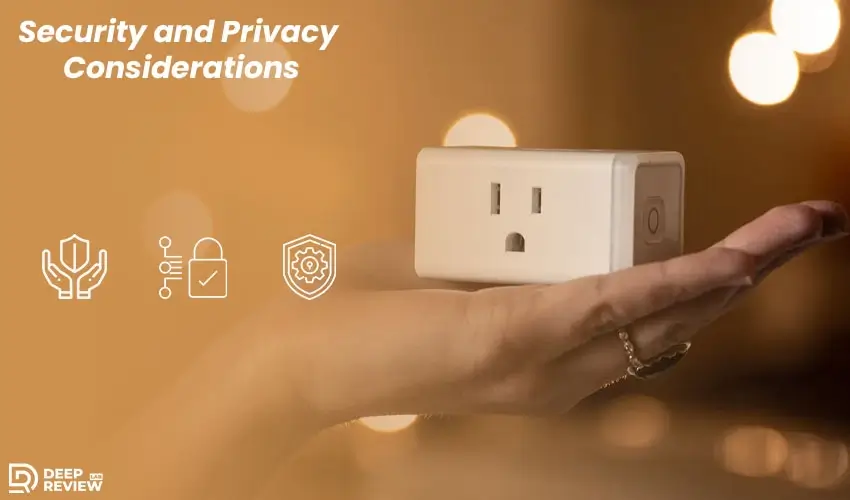
Understanding Data Protection
Connecting devices to your home network creates potential security vulnerabilities, and smart plugs are no exception. These devices communicate with cloud servers to enable remote access and app control, which means data about your usage patterns is being transmitted and stored. Understanding what data is collected and how it’s protected should be part of your purchasing decision.
Encryption and Security Protocols
Most reputable manufacturers use encryption to protect data in transit and on their servers. However, the level of security can vary significantly between brands. Some use outdated encryption protocols or have been found to have security vulnerabilities that could potentially be exploited by malicious actors. Choosing products from established manufacturers with good security track records reduces these risks.
Best Security Practices
Protect your smart home by using strong, unique passwords and updating them regularly. Avoid reusing passwords across multiple accounts, and enable two-factor authentication if available to reduce the risk of unauthorized access. For added security, consider network segmentation: put your smart devices on a separate Wi-Fi network from your computers and phones. This isolates them, so even if a device is compromised, your sensitive data remains safe. While it requires a more advanced router setup, it’s a worthwhile step for those who want extra protection.
Cost Effectiveness and Value Proposition
Affordable Smart Home Entry
Smart plugs represent one of the most affordable ways to add smart home functionality to your living space. When purchased in multi-packs, the per-unit cost drops significantly, making it economical to deploy them throughout your home. Compared to replacing lamps with smart bulbs or upgrading to smart appliances, smart plugs offer tremendous flexibility at a fraction of the cost.
Energy Savings Potential
The energy savings potential can help offset the initial purchase price over time. If monitoring and automation help you reduce unnecessary power consumption by even a modest amount, the plugs could pay for themselves within a year or two. This is especially true if you’re currently leaving devices running that don’t need to be on constantly.
Quality of Life Improvements
The convenience factor is harder to quantify but shouldn’t be overlooked. The time saved by not having to walk around turning devices on and off, the peace of mind from being able to check that everything is off before bed, and the comfort of coming home to a house that’s already adjusted to your preferences all contribute to quality of life improvements that justify the investment.
Property Value Considerations
Resale value is another consideration that’s often forgotten. Smart home features can make a property more attractive to potential buyers or renters. While smart plugs are portable and you’d likely take them with you, demonstrating a home’s smart capabilities during a showing can be a selling point that helps justify your asking price.
Common Challenges and Solutions
Connection Issues
No product is perfect, and smart plugs come with their share of potential issues. Connection problems are among the most common complaints, usually stemming from Wi-Fi coverage issues or router compatibility problems. Ensuring your router firmware is up to date and that your Wi-Fi signal is strong throughout your home solves most connectivity issues.
Random Disconnections
Some users experience devices disconnecting from the network randomly, requiring them to reconfigure the plugs. This frustrating problem often results from router settings that disconnect devices after periods of inactivity, or from IP address conflicts. Setting static IP addresses for your smart plugs or adjusting your router’s DHCP lease time can resolve these issues.
App Performance Problems
App crashes or slow performance can detract from the user experience. Keeping the app updated to the latest version usually helps, as developers regularly release fixes for bugs and performance issues. If problems persist, uninstalling and reinstalling the app often resolves lingering issues that updates don’t fix.
Voice Control Delays
Voice control delays or failures can occur when your voice assistant and smart plug app aren’t properly synced. Unlinking and relinking the accounts usually refreshes the connection and resolves these problems. Additionally, ensuring your voice assistant device itself has a good internet connection is essential for reliable voice control.
Making the Decision: Is This Right for You?
Perfect for Beginners
Smart plugs are a low-commitment, affordable way to try smart home automation, making them ideal for beginners and renters. They require no installation, are easy to move, and let users experiment without investing in expensive whole-home systems.
When to Consider Alternatives
For large homes with many devices, a hub-based system offers better long-term performance and advanced automation, despite higher upfront costs. Simpler smart plugs are more affordable and flexible, making them ideal for users who enjoy tech tinkering, while those who dislike troubleshooting may prefer easier, centralized setups.
Device Compatibility Matters
Smart plugs work great for lamps, fans, and small appliances, but they’re not suitable for everything. If you primarily want to control lights, smart bulbs might be a better choice. If you want to automate window coverings or door locks, you’ll need devices specifically designed for those purposes.
Conclusion
Sometimes the smartest home upgrades are the simplest ones. Hub-free smart plugs, like the kasa smart plug, prove you don’t need complicated systems or big budgets to enjoy modern convenience. They offer practical automation that fits seamlessly into your daily routine without demanding technical expertise or permanent home modifications. The beauty lies in their flexibility, allowing you to start with one room and expand at your own pace.
Whether you’re controlling holiday lights from your couch, ensuring forgotten devices are actually turned off, or simply enjoying the luxury of voice-activated coffee in the morning, these compact devices deliver real value. They transform ordinary appliances into smart ones without replacing anything or rewiring your home. Start small, automate what matters, and let your home work for you. The future of smart living doesn’t have to be complicated, and it certainly doesn’t have to break the bank.