


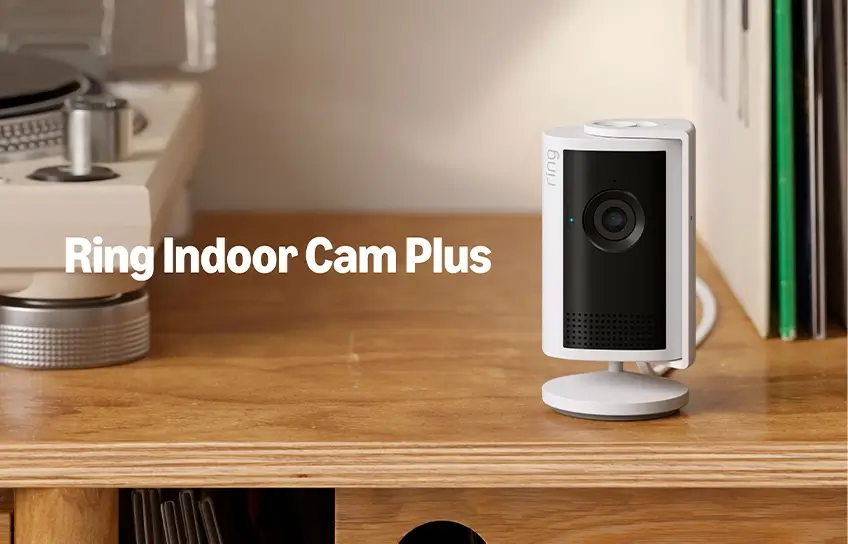
If you have been thinking about adding an indoor security camera to your home, the Ring Indoor Cam Plus is one of the more compelling options in the budget-friendly range right now. Priced at $59.99, it brings sharper 2K video, AI-powered alerts, and improved low-light performance. But does it actually deliver, or are there better alternatives worth your money?
What Does the Camera Look Like and How Is It Built?
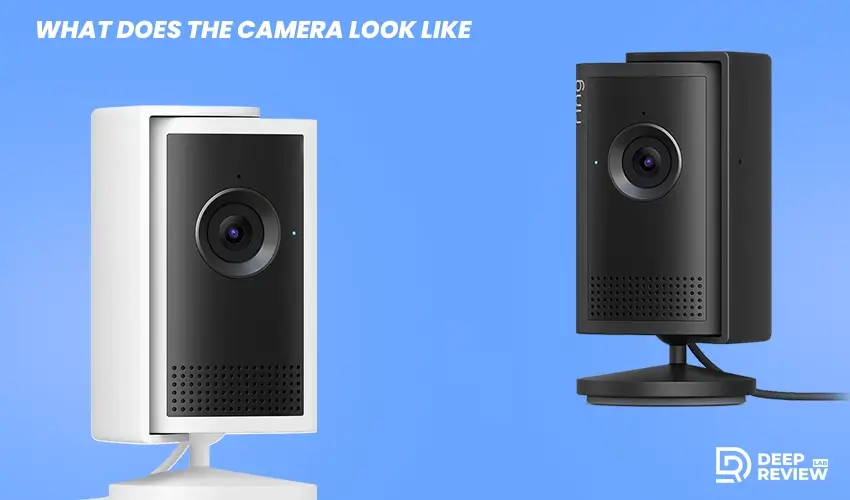
From the outside, the Indoor Cam Plus looks almost identical to the second-generation Ring Indoor Cam from 2023. It has a compact cylindrical body with a round tilt-and-swivel base, measuring 3.8 by 1.9 by 1.9 inches. It comes in black or white, so it fits easily into most home interiors.
The camera can sit flat on a shelf or table, or be mounted on a wall or ceiling using the included hardware. Ring includes a 6.5-foot USB-C power cable and a USB power adapter in the box.
There is a manual privacy cover on the lens you can slide shut to block the camera’s view. Worth noting: closing the cover does not turn off the microphone. You need to do that separately through the app settings.
On the front, you will find the lens, a microphone, a speaker, an infrared LED for night vision, and a status LED. That LED glows solid blue while recording, slowly blinks blue during setup, pulses blue during two-way talk, and flashes blue and red if Wi-Fi is lost. There is a setup button on top and a USB-C power port around the back.
Ring Indoor Cam Plus Key Specifications
| Specification | Details |
| Price | $59.99 |
| Resolution | 2K (2,560 x 1,440) |
| Field of View | 115 degrees |
| Night Vision | Infrared (black and white) |
| Digital Zoom | 4x AI-enhanced |
| Connectivity | 2.4GHz Wi-Fi |
| Power | Plug-in (USB-C) |
| Storage | Cloud only (subscription req.) |
| Smart Integrations | Amazon Alexa, IFTTT |
| Built-in Siren | 75dB |
| Colors Available | Black, White |
How Good Is the Video Quality?
Daytime and Low-Light Performance
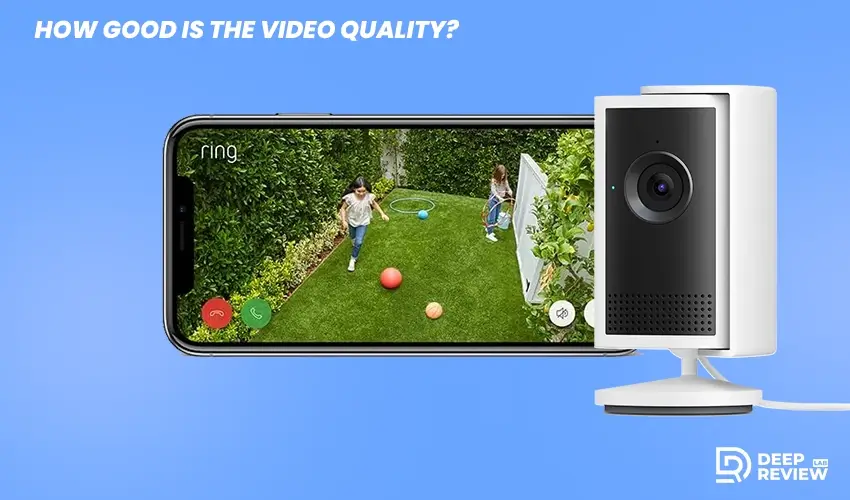
The camera uses Ring’s Retinal 2K technology to record at 2,560 by 1,440 resolution. That is a genuine step up from standard 1080p, and the difference in sharpness shows clearly in the footage.
Daytime video is crisp with good color saturation. In low-light conditions, the camera still manages to produce color video, which is an improvement over older Ring models. Colors in dim lighting are decent but not as vivid as they are in full daylight.
When there is not enough light for color at all, the infrared LED kicks in and switches the image to black-and-white night vision. The AI-enhanced 4x digital zoom also holds up reasonably well for a camera at this price point.
Night Vision
Black-and-white night vision is sharp with strong contrast. You can clearly make out people, pets, and objects across a standard-sized room. It is not color night vision, but it is reliable enough for most indoor monitoring needs.
Smart Features and AI-Powered Alerts
What the AI Actually Does
Instead of generic motion alerts, this camera sends written descriptions of what actually happened. You might get a notification saying a dark-colored animal walked through the room, or that a person entered and picked something up.
The AI single-event alert feature is also helpful. It groups similar motion events from the same camera into one notification, cutting down on alert overload during busy periods at home.
Smart video search lets you type a keyword like “dog” or “delivery” and pulls up matching clips automatically. It saves a lot of time compared to scrubbing through recordings manually.
What Is Missing
The camera does not support face recognition, unlike the Arlo Essential Pan Tilt Indoor or the Nest Cam Indoor. It also has no integration with Apple HomeKit or Google Assistant. If your home runs on either of those platforms, this camera will not fit natively. It works with Alexa and IFTTT, but the missing integrations are a real drawback for some users.
App Experience and Controls
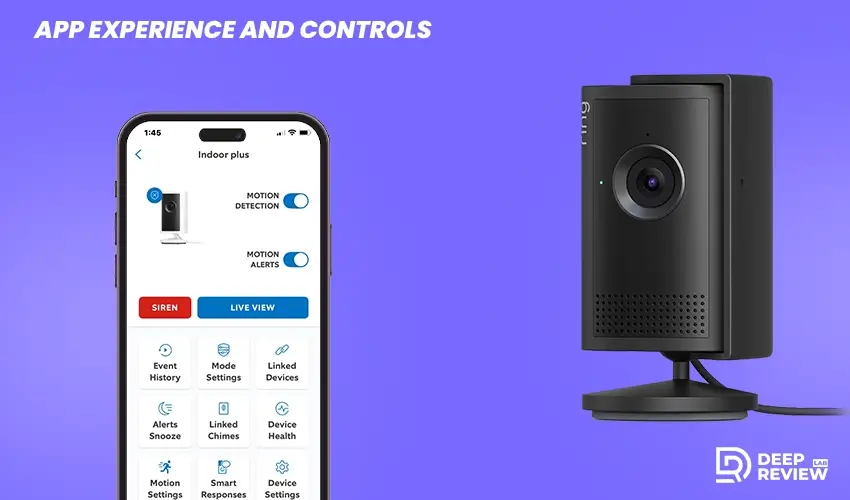
The Ring app is available for Android and iOS and is straightforward to navigate. Setup takes under ten minutes: scan the QR code on the back of the camera, connect to your Wi-Fi, and you are ready after a short firmware update.
Inside the app, the camera appears on the dashboard showing its name and last captured image. Tapping it opens a live stream you can expand to full screen. Controls below the video let you mute the speaker, use two-way talk, trigger the siren, or access settings.
The timeline view shows all recorded events with thumbnails and AI-generated descriptions. From there you can download, share, or delete clips, and access smart video search at the bottom of the screen.
Subscription Plans and What They Unlock
The hardware costs $59.99, but recorded video is not accessible without a paid plan. The Basic plan is $4.99 per month or $49.99 per year. It covers one camera and gives you 180 days of video history, smart alerts, and video preview alerts.
The Standard plan is $9.99 per month or $99.99 per year. It supports unlimited cameras and adds extended live view up to 30 minutes, daily event summaries, and multicam view for up to four cameras at once.
The Premium plan is $19.99 per month or $199.99 per year. It includes everything in the Standard plan plus 24/7 recording, continuous live view, AI smart video search, detailed event descriptions, and SOS emergency response. The AI features that define this camera are tied to the Premium plan, so keep that in mind when budgeting your total cost.
How Does It Compare to the Competition?
The Arlo Essential Pan Tilt Indoor costs $49.99, which is $10 less than this camera. It offers mechanical pan and tilt to physically cover more of a room, plus face recognition, Google Assistant support, and Alexa compatibility.
That said, the Indoor Cam Plus has slightly sharper resolution at 2,560 by 1,440 compared to Arlo’s 2,304 by 1,296. Its AI event descriptions are more detailed, and it integrates seamlessly with the broader Ring ecosystem. If you already own Ring devices, the native compatibility alone is a compelling reason to stay within the brand.
Final Thoughts
The Indoor Cam Plus is a solid, well-priced indoor security camera with sharp 2K footage and practical AI-powered notifications. It is a strong fit for Ring ecosystem users or anyone who relies on Alexa for smart home control. Setup is quick, the app is intuitive, and the video quality is consistently good.
The subscription cost is the main thing to plan around. Basic access to recordings starts at $49.99 per year, and unlocking the full AI feature set requires the $199.99 per year Premium plan. Factor that into the real cost before buying.
You can find the camera on Amazon or directly through Ring’s website. At $59.99, it is a reliable choice for most homes looking to add indoor coverage without breaking the budget.
