


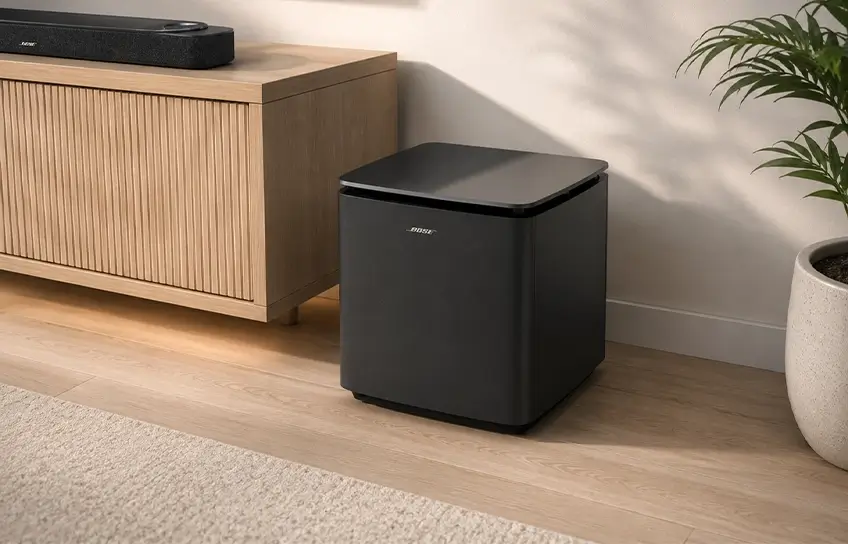
I spent two weeks with the Bose Lifestyle Ultra Subwoofer in my living room, running it through movies, music, late-night TV, and everything in between. The short version: it hits harder than I expected for a sub this size, and the setup was genuinely painless. The longer version is what this review is for.
Bose launched it in May 2026 at $899 as part of the new Lifestyle Collection, alongside the Lifestyle Ultra Soundbar and Lifestyle Ultra Speaker. The sub pairs wirelessly with the soundbar and bumps the system from a good-sounding soundbar to a legitimate home theater setup. I tested the White Smoke version, and it sat under my TV for the full two weeks without me once wanting to move it.
If you’re building a home theater and trying to pick from the best speakers at this price tier, this review covers everything worth knowing before you spend $899.
Bose Lifestyle Ultra Subwoofer Quick Specification:
| Specification | Detail |
| Price | $899 |
| Woofer Size | 10.5 inches |
| Dimensions | 11.6″ W x 12.9″ H x 11.6″ D |
| Weight | 33.7 lbs |
| Wireless Range | 30 feet |
| Primary Connection | Wi-Fi |
| Backup Connection | 3.5mm wired input |
| Finish Options | Black, White Smoke |
| Compatible Systems | Bose Lifestyle Ultra Soundbar only |
| Dual Sub Support | Yes, up to 2 units |
Design

The Lifestyle Ultra Subwoofer is close to a cube. It measures 11.6 inches wide, 12.9 inches tall, and 11.6 inches deep, and it weighs 33.7 pounds. I knew the dimensions before it arrived and still did a double-take when I pulled it out of the box. This thing is chunky.
The build is mostly plastic with a glass panel on top that matches the soundbar’s finish. Honestly, it looks premium in the room. The White Smoke version I tested has a clean, modern look that doesn’t scream “speaker equipment.” It just sits there and looks like it belongs.
I do prefer the flat rectangular profile of the Sonos Sub 4 for tight spaces. The cube shape makes the Bose harder to slot neatly beside furniture. I ended up placing it to the right of my TV stand, which worked fine, but required some rearranging. If your space is already tight, measure before you order.
Bose recommends keeping it on the floor against the same wall as your TV, away from enclosed cabinets and shelves. I followed that guidance and had no issues.
Setup
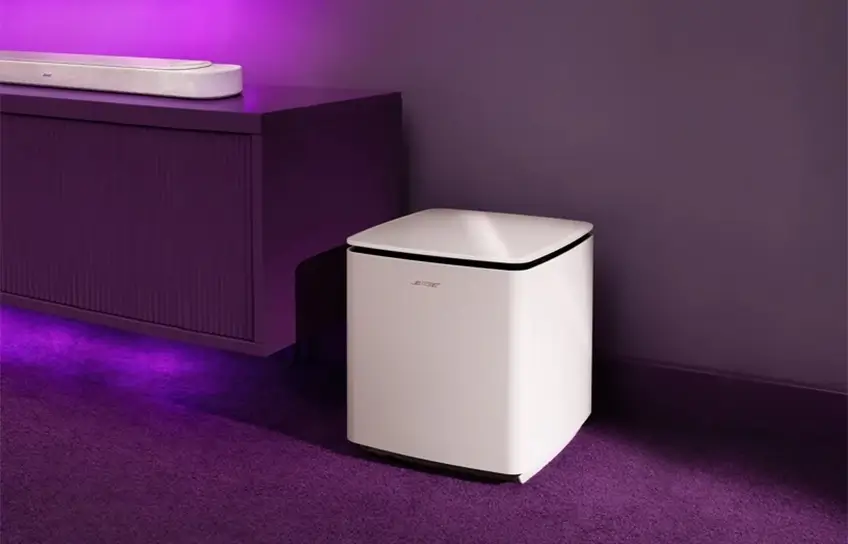
I set up the soundbar first, then the subwoofer, then a pair of Lifestyle Ultra Speakers as rear channels. Start to finish, the whole system took me about 12 minutes in the Bose app. The subwoofer step on its own was maybe three minutes.
The Bose app walks you through everything in order. It found the sub instantly over Wi-Fi, ran a brief room calibration using my phone’s microphone, and that was it. No crossover settings to configure. No phase adjustment to figure out. The system handles all of that automatically through Bose’s Custom Tune calibration.
I didn’t experience a single dropout or connection issue over two weeks of use. My Wi-Fi setup is reasonably standard, a dual-band router in the same room, and the sub held its connection cleanly every session. If your router is on the opposite side of the house or your 5GHz band is congested with devices, the 3.5mm wired input on the back gives you a direct connection option. Most people won’t need it, but I’m glad it’s there.
One thing to know upfront: the only manual control available inside the app is the bass level. You can raise or lower it, but that’s the full extent of manual adjustment. There’s no crossover frequency control, no phase toggle, no EQ curve for the sub specifically. If you’re the kind of buyer who likes to dial in every parameter, this setup will frustrate you. If you want it to just work, it does.
Sound
I’ll be direct. Before I added the subwoofer, the Lifestyle Ultra Soundbar sounded good. After I added it, it sounded like a different system.
The difference is most obvious on music with a serious low end. I ran Billie Eilish’s “bad guy” through the system without the sub first. The bass line is there, but it sits thin and kind of polite. With the sub connected, that same bass line has weight behind it. It doesn’t just sound lower, it feels lower. The track finally sounds the way it’s supposed to sound on good equipment.
I tested it on Travis Scott’s “Goosebumps” as well, which has a rolling sub-bass line through most of the song. Without the sub, the soundbar handles maybe 60 to 70 percent of that low end. With the sub, it’s all there. Even the lowest notes in the track have presence in the room instead of just disappearing.
For movies, the improvement is even more noticeable. I watched the opening sequence of Top Gun: Maverick, which is one of the better tests for a home theater system because the jet engine rumble runs very low and very loud. The soundbar alone gives you a decent version of that scene. The sub gives you the full version. The low-frequency engine noise fills the room in a way that actually pulls you into the scene rather than just sounding like a loud TV.
I also watched Dune Part Two on a weekend evening, and the ceremonial drumming sequences in that film are genuinely impressive through this system. The bass feels physical, not just loud.
One Honest Note: the sub performs best on movie content and bass-heavy music. Acoustic music, podcasts, and dialogue-heavy TV don’t benefit much from having it on. For those use cases, the soundbar alone is plenty. The sub earns its place on movie nights and music listening sessions.
Bose vs. Sonos: Both Cost $899, Here Is the Difference
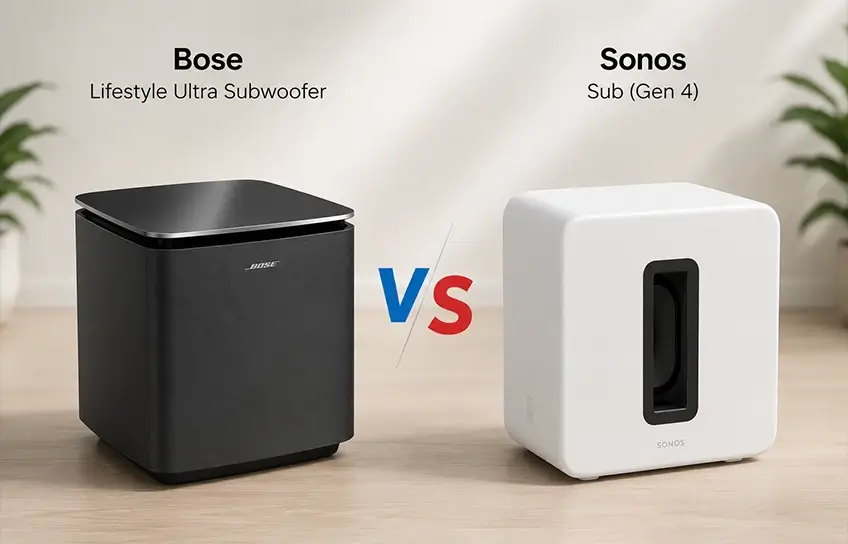
The Sonos Sub 4 and the Bose Lifestyle Ultra Subwoofer are priced identically, which makes the comparison unavoidable. I have used both systems in different room setups, and here is how they actually compare across the factors that matter.
| Feature | Bose Lifestyle Ultra Subwoofer | Sonos Sub 4 |
| Price | $899 | $899 |
| Woofer Setup | Single 10.5-inch woofer | Dual force-canceling woofers |
| Wired Backup | Yes, 3.5mm input | No |
| Compatible Soundbar | Bose Lifestyle Ultra Soundbar | Sonos Arc, Arc Ultra, Beam |
| Room Calibration | Custom Tune via Bose app | Trueplay via Sonos app |
| Manual App Controls | Bass level only | Bass level only |
| Dual Sub Support | Yes | Yes, with Arc Ultra |
| Max System Config | 7.1.4 channel | 5.1.2 channel |
| Cabinet Design | Glass-top finish | Standard matte |
The Sonos Sub 4’s dual force-canceling woofer design reduces cabinet vibration at high volumes, which gives it a tight, precise character. The Bose moves more air with its single larger woofer, and that translates to a deeper, more physical bass impact on movie content specifically.
The practical edge Bose holds is the 3.5mm wired backup. If your Wi-Fi situation is complicated, the Bose gives you an exit. Sonos gives you none.
The Bose system also scales higher, up to 7.1.4 channel with two Lifestyle Ultra Speakers added as rear channels, compared to 5.1.2 as the Sonos ceiling. For a large room build, that matters.
If you’re already in the Sonos ecosystem, stay there. If you’re starting fresh or building around the Bose Lifestyle Ultra Soundbar, the Bose sub is the natural choice and performs at the same level for the same money.
For anyone also looking at portable audio alongside a home theater build, the Bose QuietComfort headphone line runs through the same Bose app, which keeps everything centralized.
Compatibility
This gets its own section because it’s the one thing that trips buyers up most often.
The Bose Lifestyle Ultra Subwoofer pairs wirelessly only with the Bose Lifestyle Ultra Soundbar released in 2026. It does not work with:
- Bose Smart Ultra Soundbar
- Bose Soundbar 900
- Bose Bass Module 700
- Any other previous Bose home theater product
The 3.5mm input on the back allows a wired connection to older Bose soundbars, but wireless pairing is locked to the new Lifestyle Ultra Soundbar only. If you’re upgrading from an older Bose system and hoping this sub slots in, it won’t.
This is not a dealbreaker for buyers starting fresh, but it is a dealbreaker for anyone with an existing Bose setup expecting an easy upgrade.
Conclusion
The Bose Lifestyle Ultra Subwoofer does exactly what a good wireless subwoofer should do. It pairs fast, stays connected, and adds a layer of bass depth to movies and music that the soundbar alone cannot physically deliver. The setup took me less than 15 minutes start to finish, and I never had to think about it again after that.
The cube shape makes placement trickier than I’d like, and the app gives you very limited manual control. But the bass output is strong, the design looks clean in a living room, and the Custom Tune calibration handles the technical work automatically.
The compatibility lock-in is the only real concern. It’s built for the Bose Lifestyle Ultra Soundbar and nothing else. If that’s your soundbar, this sub rounds out the system in a way that’s hard to argue with. If it’s not, look elsewhere.
For buyers who want a different kind of bass experience outside the home, the JBL Boombox 3 handles outdoor and portable low-end in a completely different format worth considering alongside your home theater decisions.
